Supadata MCP Server
Connect your AI assistant to YouTube and the web. The Supadata MCP server gives Claude, Cursor, and other AI tools direct access to video transcripts and web scraping.
✔️ Get video transcripts in any MCP-compatible AI assistant
✔️ Scrape and crawl web pages directly from your AI workflow
✔️ Hosted server with OAuth, or run it locally with your API key
What is the Supadata MCP Server?
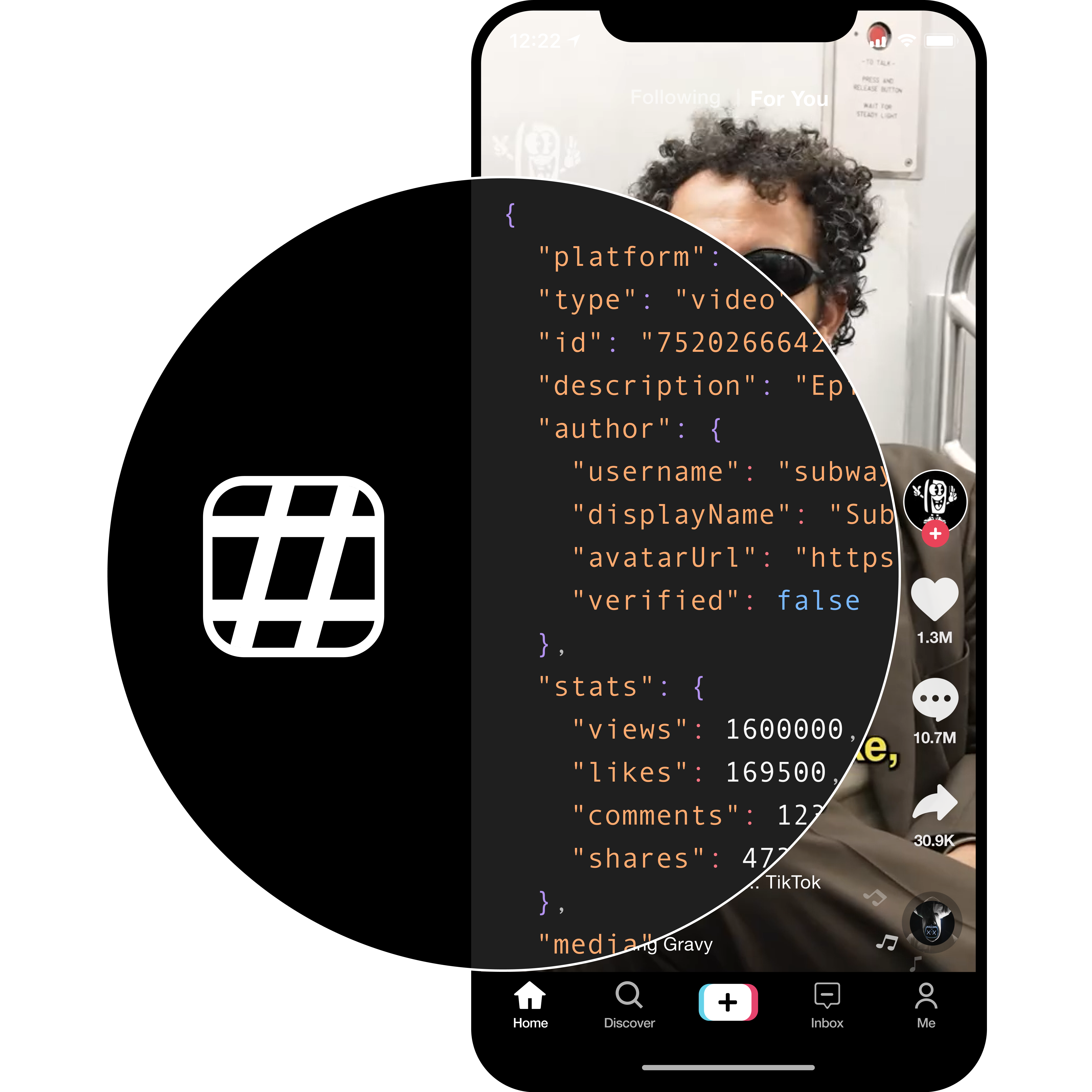
The Supadata MCP server is an official Model Context Protocol (MCP) integration that lets AI assistants fetch real-world data from YouTube, TikTok, Instagram, X, Facebook and the web.
Instead of copying and pasting content manually, your AI agent can call Supadata tools directly — extracting video transcripts, scraping web pages, and crawling sites as part of any conversation or workflow.
Hosted server (no install)
The fastest way to get started is the hosted server at https://api.supadata.ai/mcp. It authenticates with OAuth, so you sign in with your Supadata account instead of pasting an API key.
In Claude, open Settings → Connectors → Add custom connector and enter:
https://api.supadata.ai/mcpClaude opens a Supadata sign-in window; approve the connection and the tools become available in every chat.
Local server (npx)
Prefer to run the server yourself? Install the @supadata/mcp package and pass your API key:
SUPADATA_API_KEY=your_api_key npx -y @supadata/mcpGet your free API key at supadata.ai — no credit card required.
Available Tools
Once connected, your AI assistant can use these Supadata tools:
| Tool | Description |
|---|---|
supadata_transcript | Fetch the transcript of a YouTube, TikTok, Instagram, X or Facebook video, or a hosted media file |
supadata_check_transcript_status | Check on and retrieve the result of a long-running transcript job |
supadata_metadata | Get title, description, author, statistics and duration for a video |
supadata_extract | Start an AI extraction job that turns a video into structured JSON from a prompt or schema |
supadata_check_extract_status | Check on and retrieve the result of an extraction job |
supadata_scrape | Extract clean Markdown content from any webpage |
supadata_map | Get a full sitemap of URLs from a domain |
supadata_crawl | Discover and crawl multiple pages from a website |
supadata_check_crawl_status | Check on and retrieve the results of a crawl job |
The hosted server exposes all nine tools. The npm package currently published (@supadata/mcp 1.0.1) ships the six transcript, scrape, map and crawl tools; supadata_metadata and supadata_extract follow in the next npm release.
Compatible AI Tools
The Supadata MCP server works with any MCP-compatible client:
- Claude (web, desktop and Claude Code)
- ChatGPT (custom connectors)
- Cursor (AI code editor)
- Windsurf (Codeium)
- VS Code and Continue
- Any MCP-compatible agent
Use Cases
YouTube Research
Ask your AI to summarize a YouTube video, extract key points from a lecture, or compare multiple videos — without leaving your chat.
Example: Summarize a YouTube Video in Claude
Once the MCP server is connected, you can prompt Claude:
“Summarize this YouTube video for me: https://youtube.com/watch?v=dQw4w9WgXcQ”
Claude will call the supadata_transcript tool, retrieve the full transcript via Supadata, and generate a summary — all in one step.